
Endpoint Management in Google Workspace
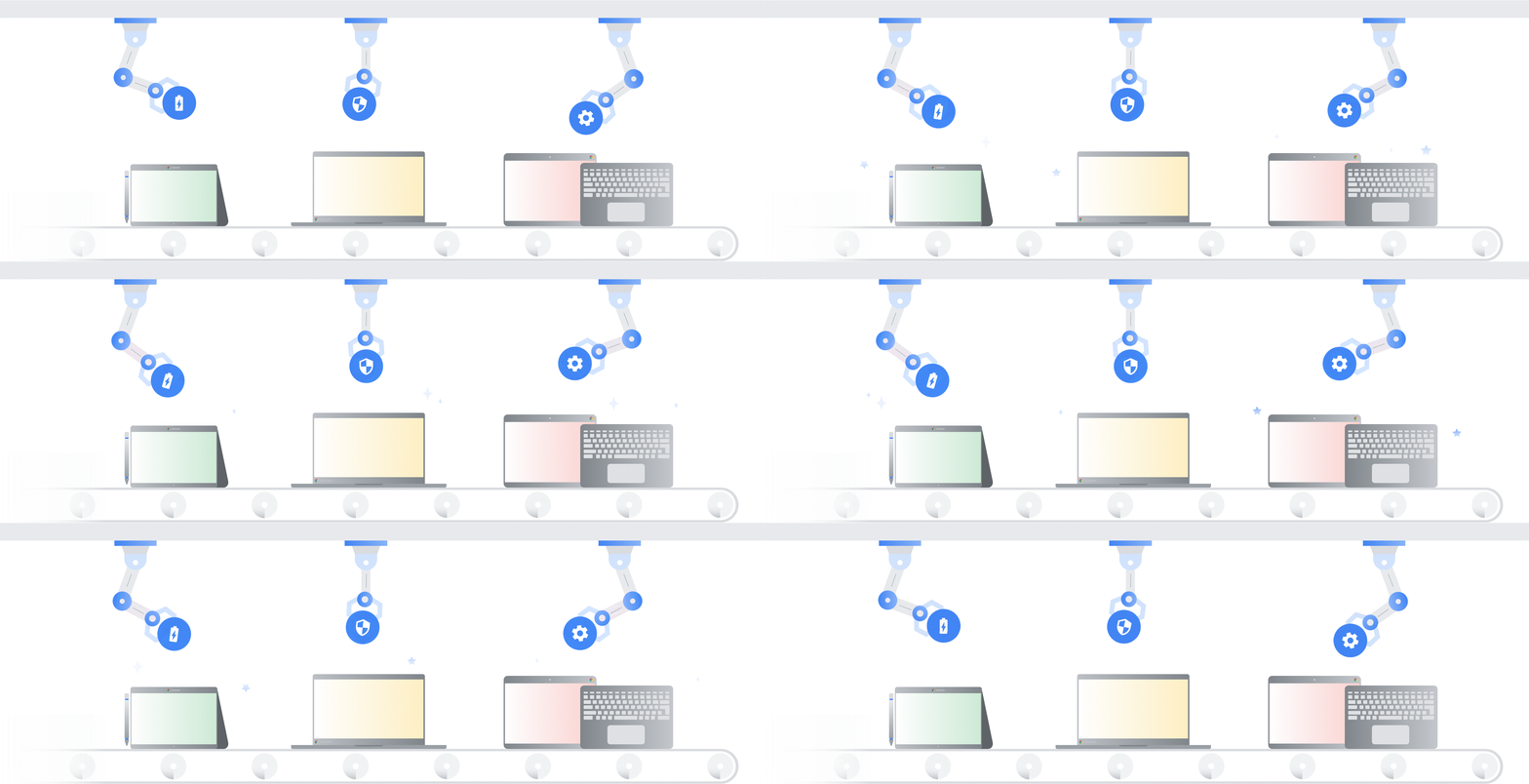
Endpoint Management helps Google Workspace admins manage and protect organizational data on users' devices, including phones, tablets, and laptops. It ensures secure access and allows for policy enforcement remotely.
🔒 Key Features
- Remote wipe of lost or stolen devices
- Enforce screen lock and strong password policies
- Block or approve specific devices
- Set device-level restrictions for apps and sharing
- Track device activity from the Admin console
⚙️ Types of Endpoint Management
- Basic Management: No user setup required. Tracks device access and enforces minimal policies.
- Advanced Management: Requires user device enrollment and enables complete admin control.
🚀 How to Enable Endpoint Management
- Log in to Google Admin console.
- Go to Devices > Mobile & endpoints.
- Select Settings and configure for iOS, Android, or desktops.
- Choose between Basic or Advanced management.
- Save your settings and notify users if enrollment is required.
🧠 Best Practices
- Use advanced management for sensitive departments like HR and Finance.
- Regularly audit device activity and compliance reports.
- Enable alerts for unusual access patterns or compromised devices.
- Wipe or block unused or lost devices immediately.
💡 ShivCloud Tip:
You can also use Context-Aware Access to allow or block login based on the device's security status.
“Endpoint management gives you visibility and control over how your organization’s data is accessed — no matter where your users are.”
Last updated: July 2025